
Three useful tools for ETS2 and ATS.
Arrange your mods, keep a working game setup, or make a copy of your profile. Mod Manager Tool Suite puts all three in one Windows app.
New in V2.1.6: keep your mods selected while scrolling, improved Recycle checks and clearer help. See what’s changed
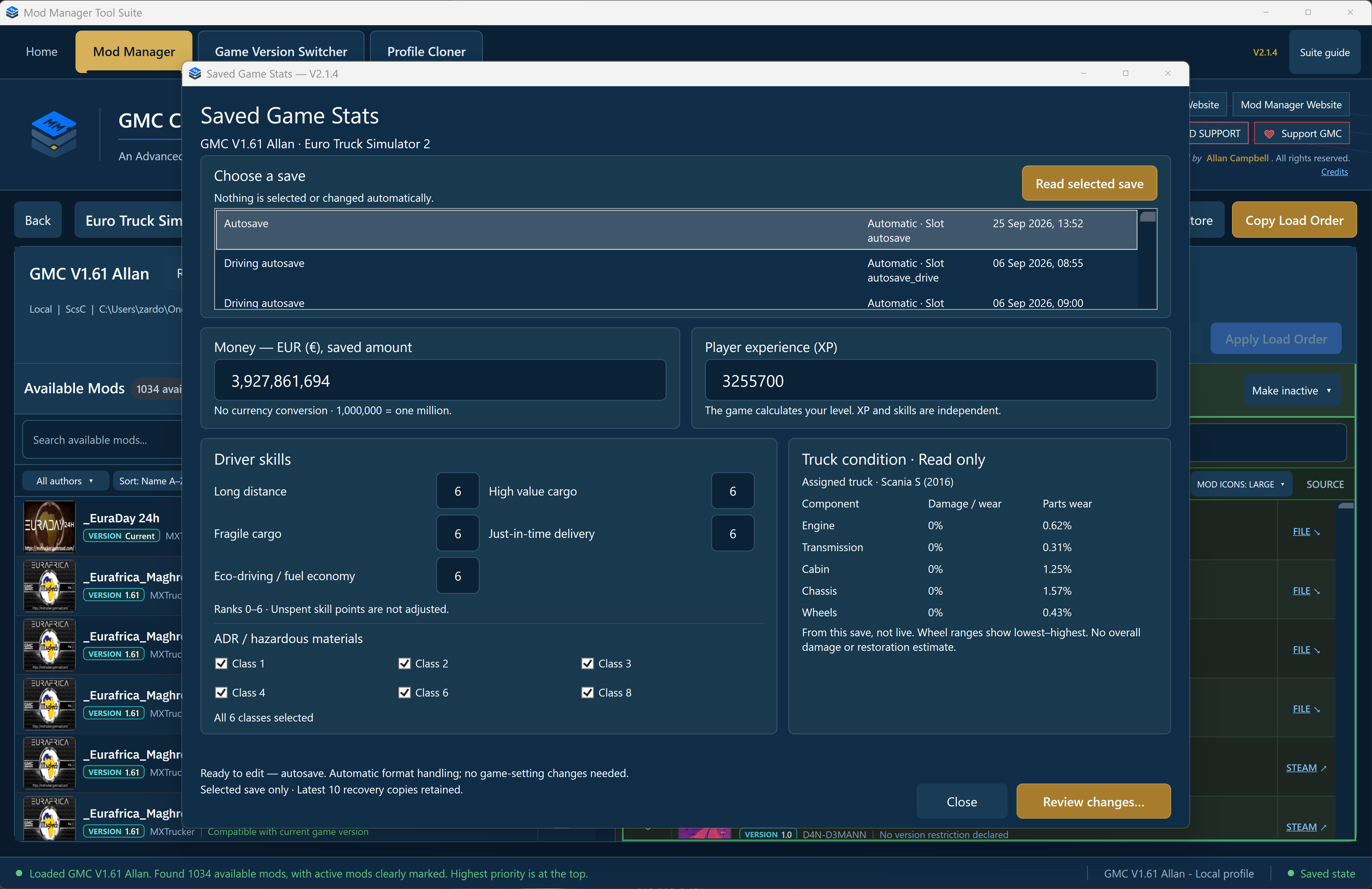
What would you like to do?
Choose a tool to see what it does and how to get started. They’re all included in V2.1.6.
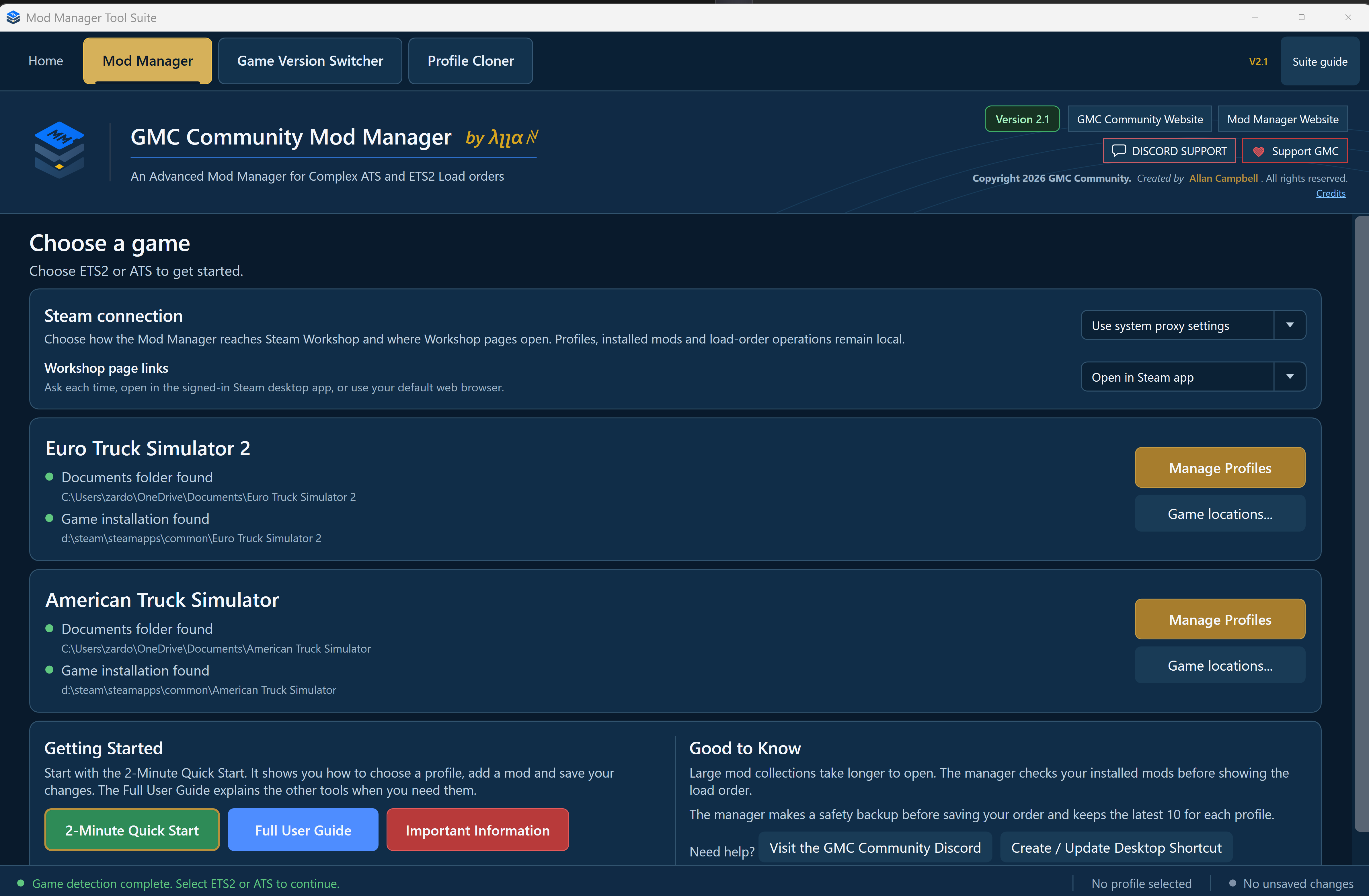
Change your load order
Find your mods, put them in the order you want and save your changes with a backup.
How Mod Manager works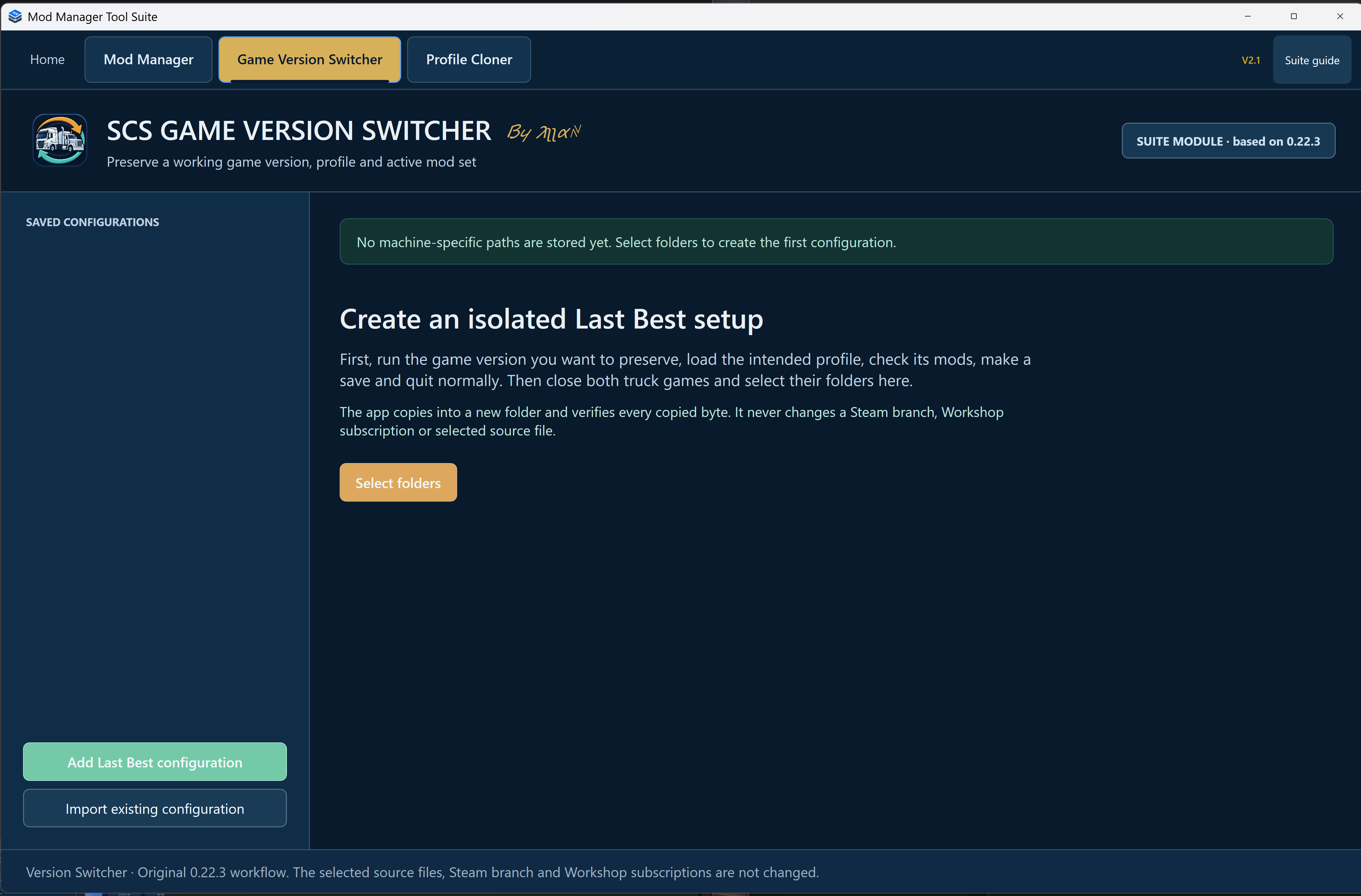
Keep a game version that works
Preserve your game, profile and active mods before an update. Play that copy separately.
How Game Switcher works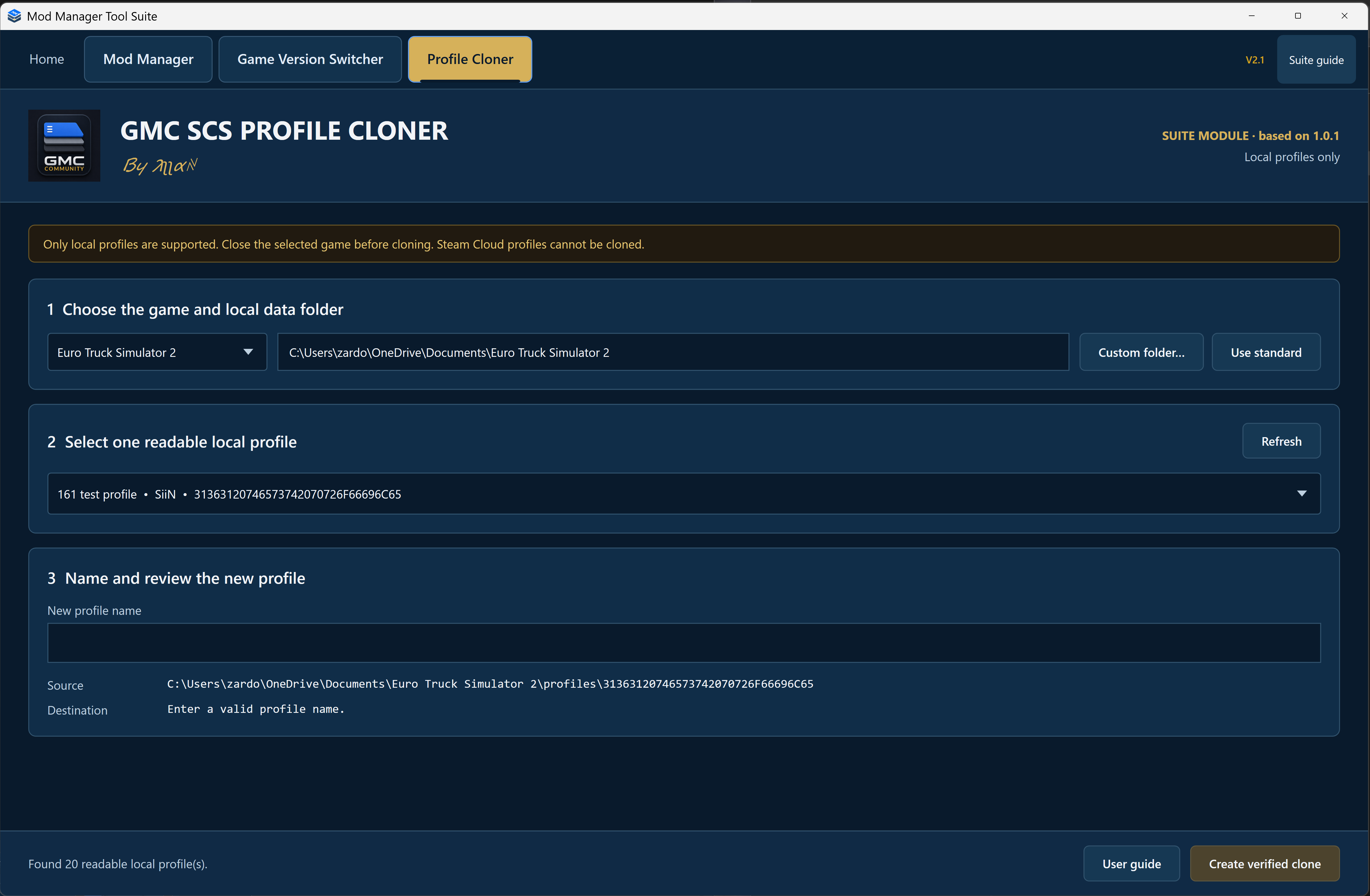
Try another setup with a copy
Give an existing local profile a new name and copy its saves, leaving the original alone.
How Profile Cloner worksStart with the tool you need.
The app opens in Mod Manager. Use the tabs at the top to change tools; each one keeps its place. You don’t have to close one app and open another.
Need instructions? The Suite guide explains the basics, and each tool has its own guide.
Read the quick guideNot sure where to start?
Ask in GMC Community Discord. Tell us which game you play and what you’re trying to do.