
Keep the setup that works
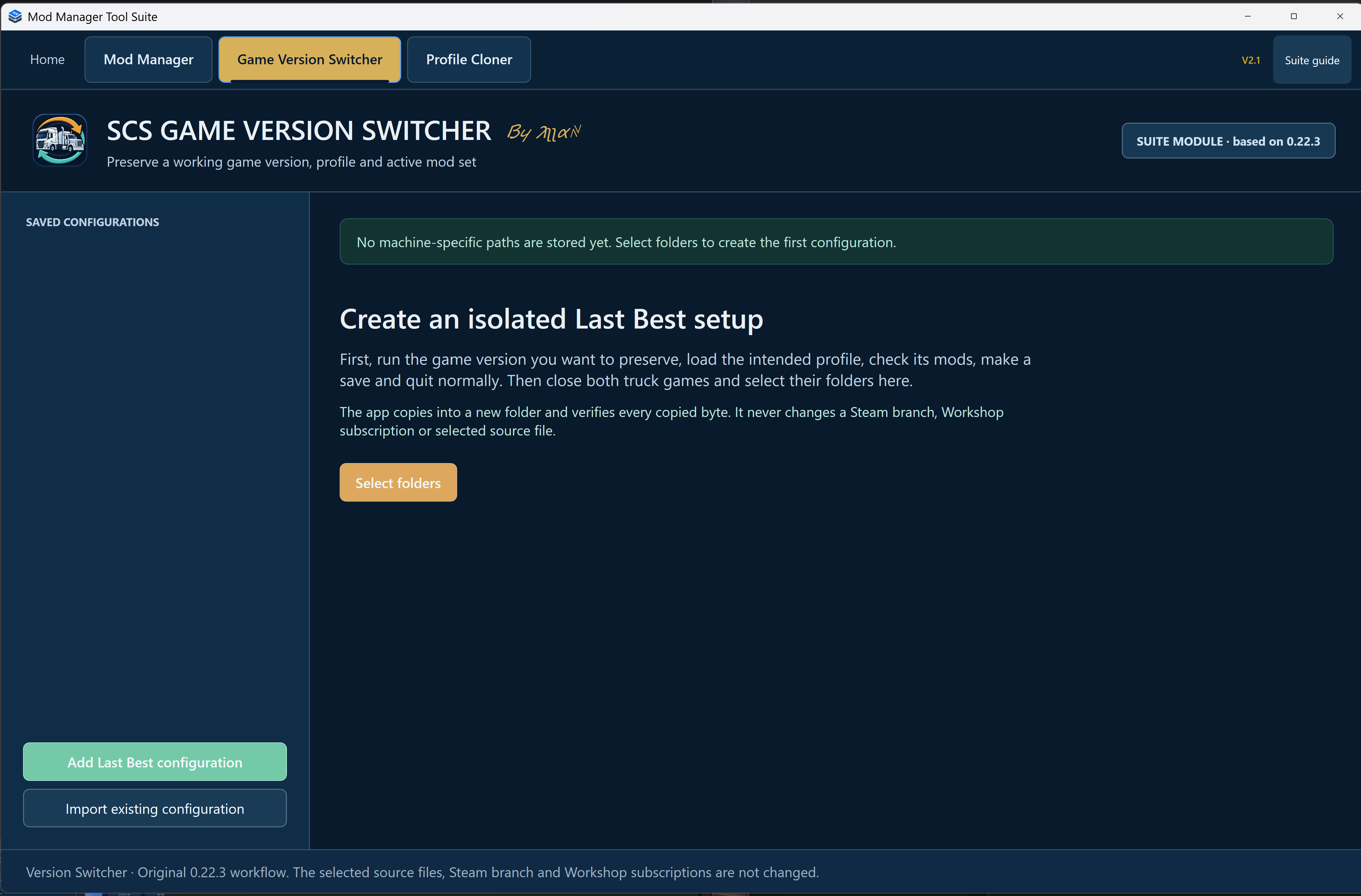
If a game update arrives before your maps and mods are ready, you can keep playing a setup you preserved beforehand. Launch the newer version through Steam and the preserved version through the Switcher.
- Copies the installed game, selected profile and active mod set into a separate folder.
- Verifies the copied files before the setup is ready to use.
- Can preserve readable local or Steam Cloud profiles as an isolated local profile.
- Lets you import an existing configuration. Removing a list entry does not delete its files.
Improved since V2.1.2
Large saved copy records are now read correctly. Existing setups can be checked without copying the game again, and the Switcher reopens each new record before marking the copy complete.
Make your first Last Best setup
- Before updating the game, load the profile you want to keep, check its mods, make a manual save and quit normally.
- Close both truck games and turn off Steam Cloud for the game you are preserving.
- Choose Select folders or Add Last Best configuration. New setups start with the folders selected in Mod Manager for that game. Check the game folder, game-data folder and profile, then choose a separate destination with enough space.
- Review the details, create the copy and wait for verification to finish.
- Use Play isolated configuration. Check your map and mods, drive, save and quit before updating the live game.
What it doesn’t do
It doesn’t download old game versions, switch Steam branches, change Workshop subscriptions, fix mods or arrange your load order. Make the copy before the version you want to keep is updated. Never run the live and isolated games together.
Finish any load-order edits in Mod Manager before using this tab. If copying or verification is running, use the tool’s Stop or Cancel option when offered and wait for it to finish.
This suite module is based on Game Switcher 0.22.3. You don’t need the separate app to use it inside V2.1.6.