
American Truck Simulator
GMC All-In-One Graphics Fidelity ATS · V1.1
All-In-One · Version 1.1 · For ATS & ETS2 1.61
Skies, weather and rain.
One mod for your game.
From bright afternoons to stormy drives, Graphics Fidelity brings detailed skies, softer sun treatment and enhanced rain effects together in one package.
A graphics and weather mod—not a map pack or a separate application.
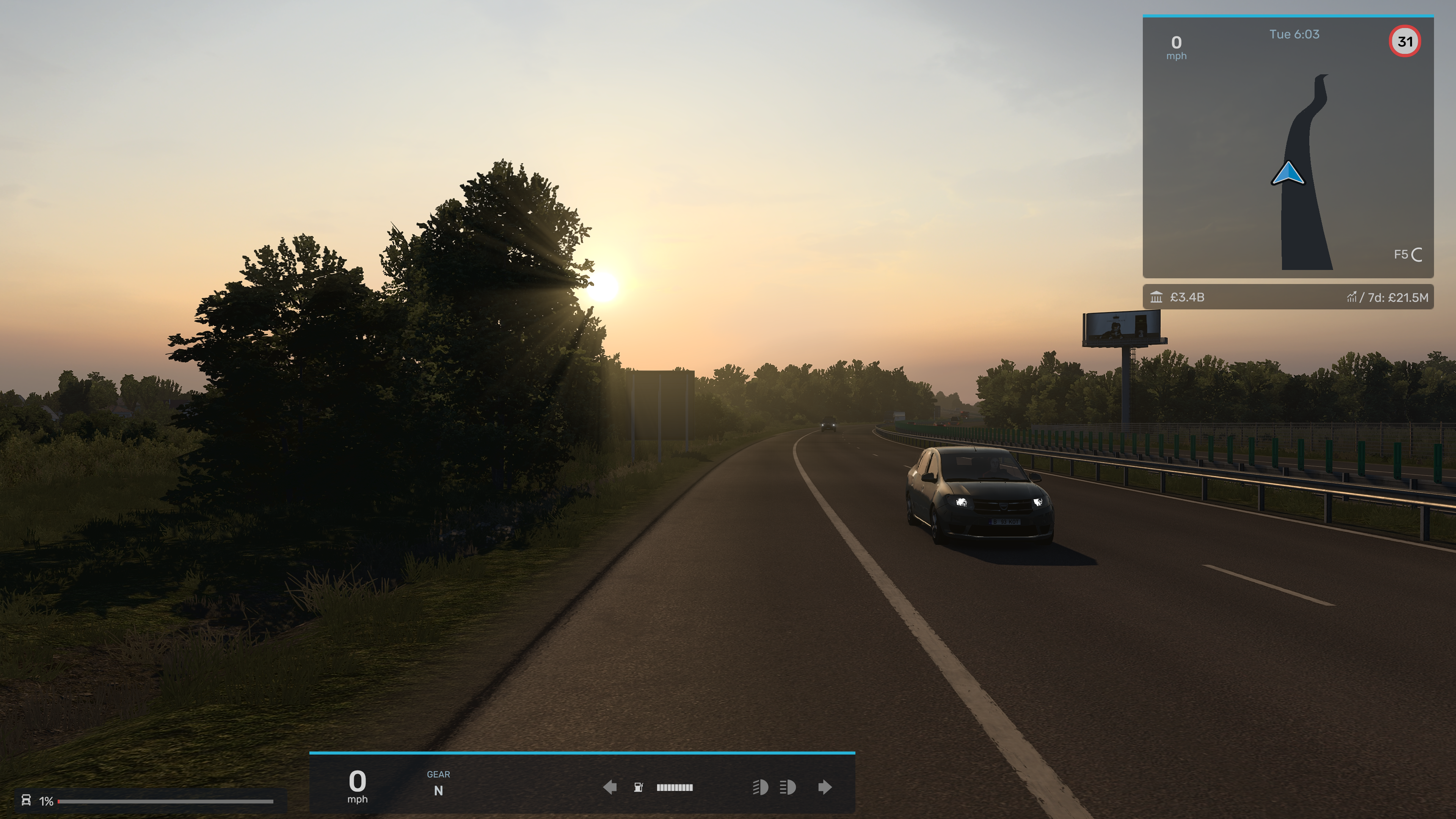
16K HDR sky textures, varied cloud formations, warm sunrises and sunsets, clouded nights and stormy skies. A custom halo softens the sun’s appearance.
Enhanced windshield rain and wheel spray, alongside the game’s thunder and lightning. Weather and lighting are tuned together.
Extended grass and vegetation visibility. Enable the correct edition at the top of your load order and play normally—no console commands needed.
16K describes the sky textures, not the resolution you need to play at. Performance depends on your PC, settings and other mods; there is no guaranteed FPS improvement.
Separate editions for game version 1.61. Downloads are now on TruckyMods. Open the page for your game to download the mod and read its release notes.
GMC All-In-One Graphics Fidelity ATS · V1.1
GMC All-In-One Graphics Fidelity ETS2 · V1.1
Graphics Fidelity is a separate mod. You do not need to install the GMC Mod Manager app to use it.
Real in-game captures from ATS and ETS2. Click any image to open the original.
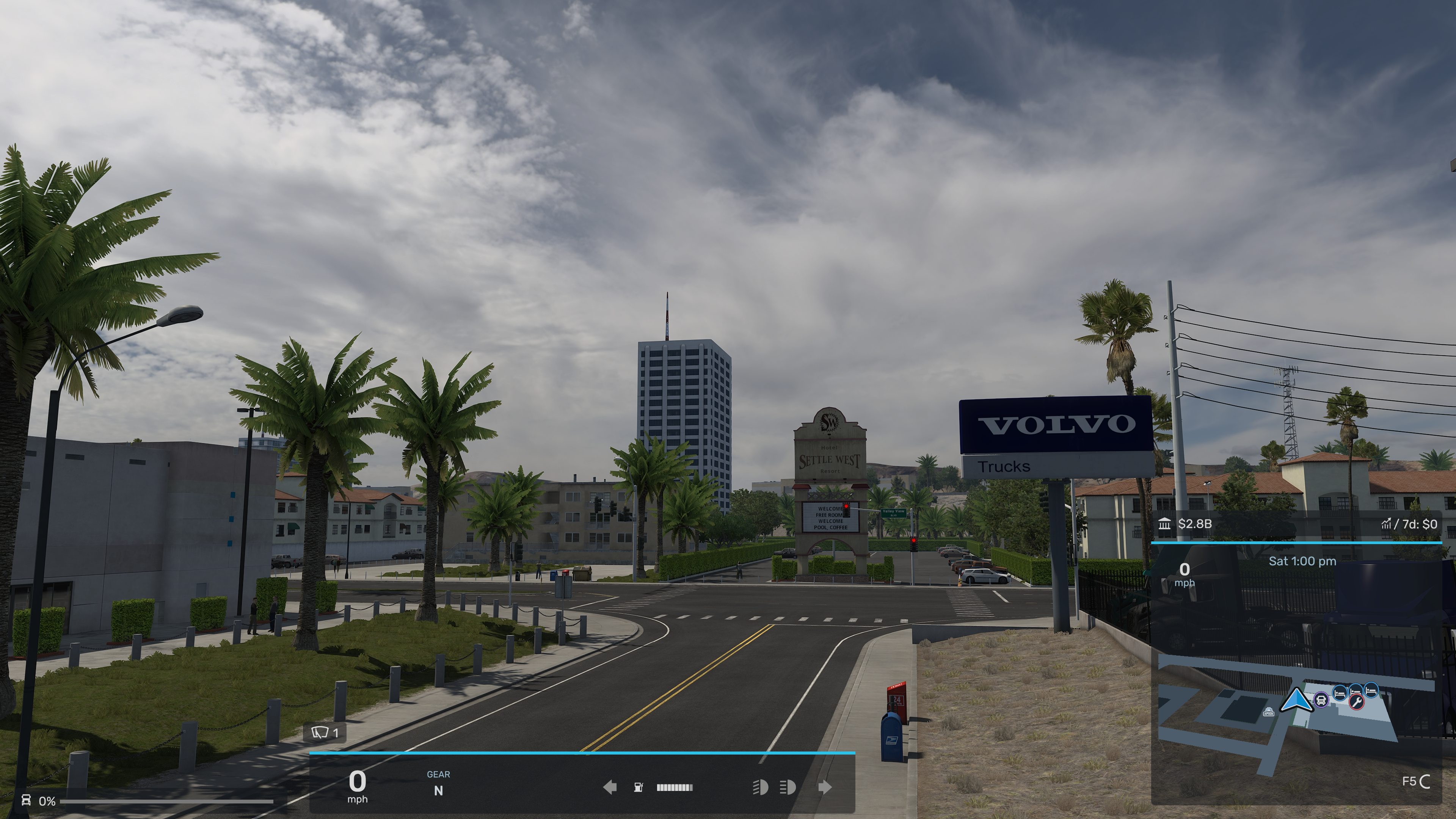
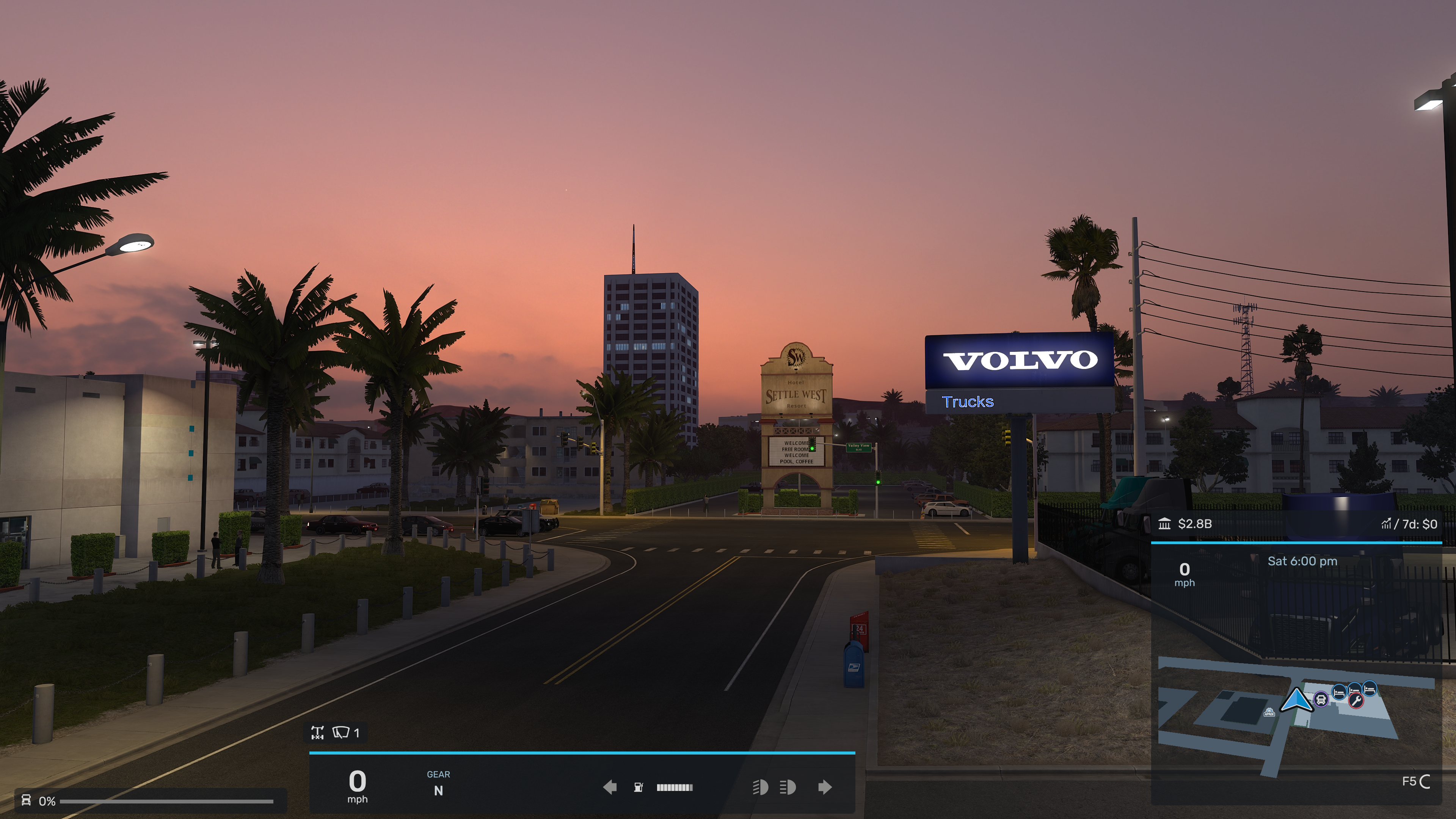
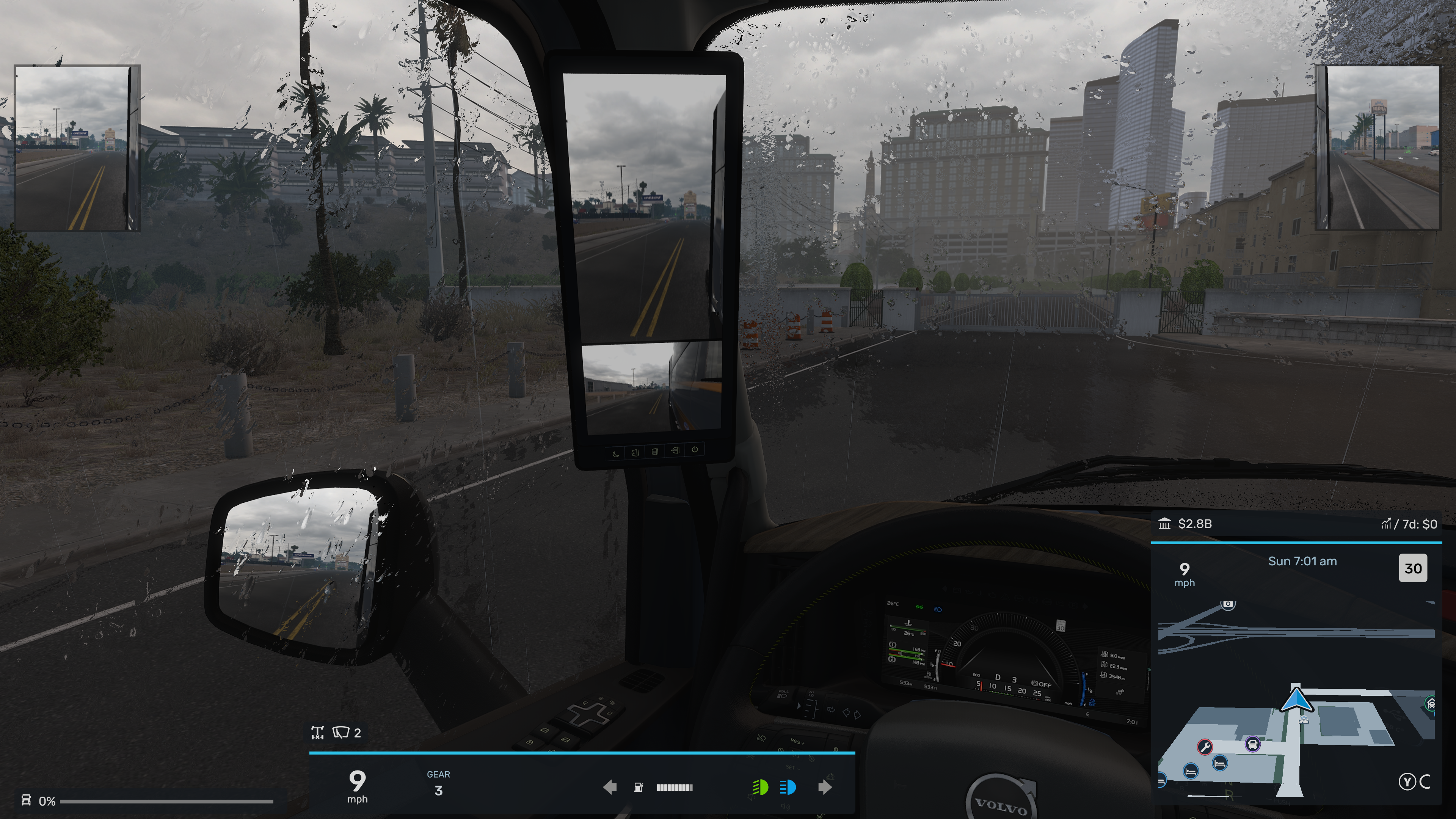
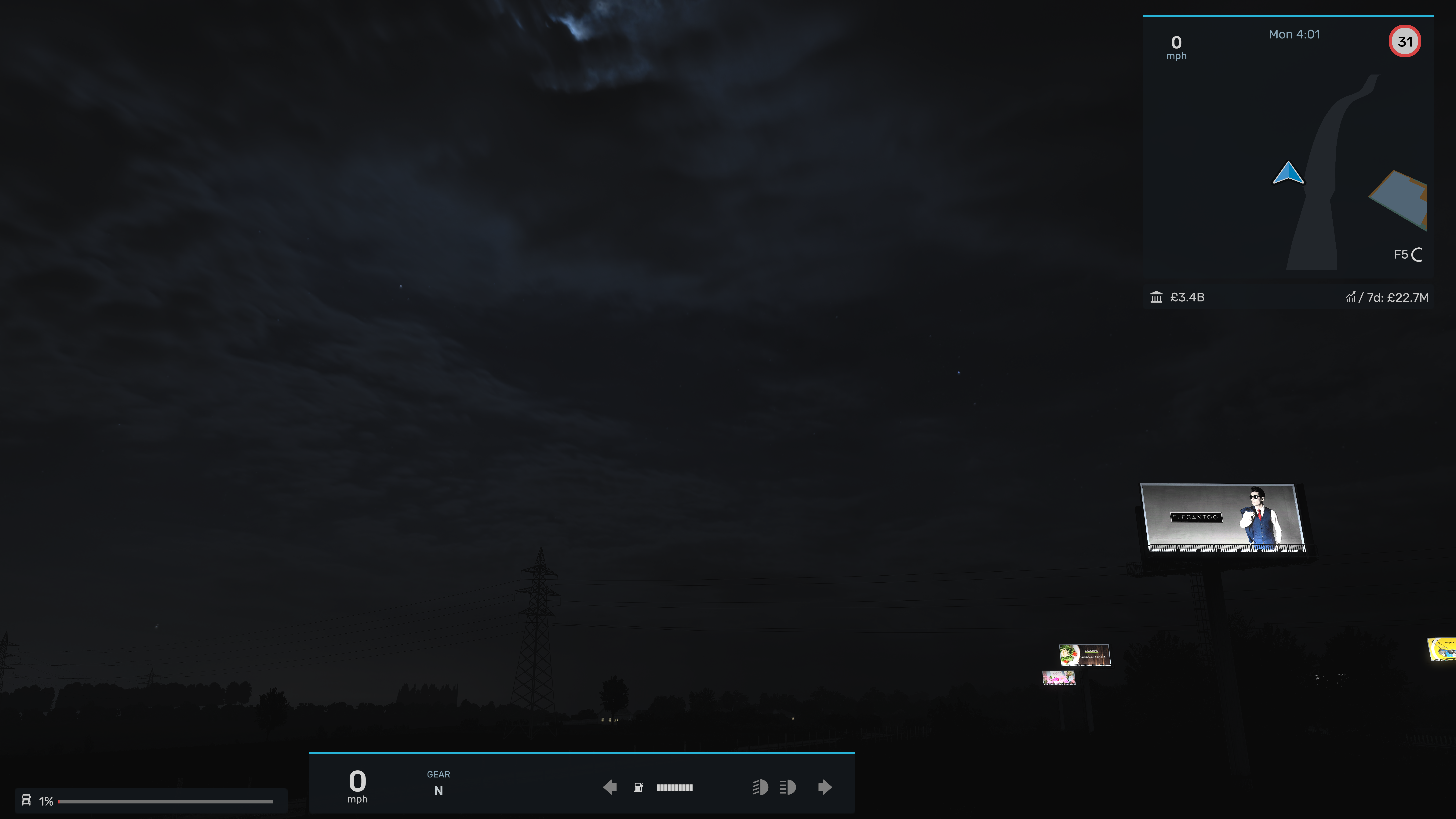
Screenshots from the earlier All-In-One release. Appearance varies with location, weather, time of day and your graphics settings. These are not before-and-after comparisons.
.scs file.Documents\American Truck Simulator\modDocuments\Euro Truck Simulator 2\modBack up your profile before changing mods. If your map combo has special requirements, ask on Discord; compatibility with every map or custom climate is not guaranteed.
Ask for help with GMC All-In-One Graphics Fidelity in Allan’s Mods & Apps support area. Include your game and version, what happened, your load order, a screenshot and the game.log.txt from the affected session.
Support covers Graphics Fidelity on its own. Combinations with other graphics/weather mods or lighting plugins are untested and outside the support scope. Please check that the issue also occurs without them.
Get help on GMC DiscordDeveloped by Allan GMC using custom GMC effects, adapted CC0 sky photography from Poly Haven and SCS Software’s original game resources. Thank you to the GMC beta testers for their screenshots and feedback.
Looking for the app instead? Get Mod Manager V3.0 Final 1 for Windows or Linux.