Release Candidate 1 · Version 1.0 Beta 4

SCS MOD MANAGER By Allan

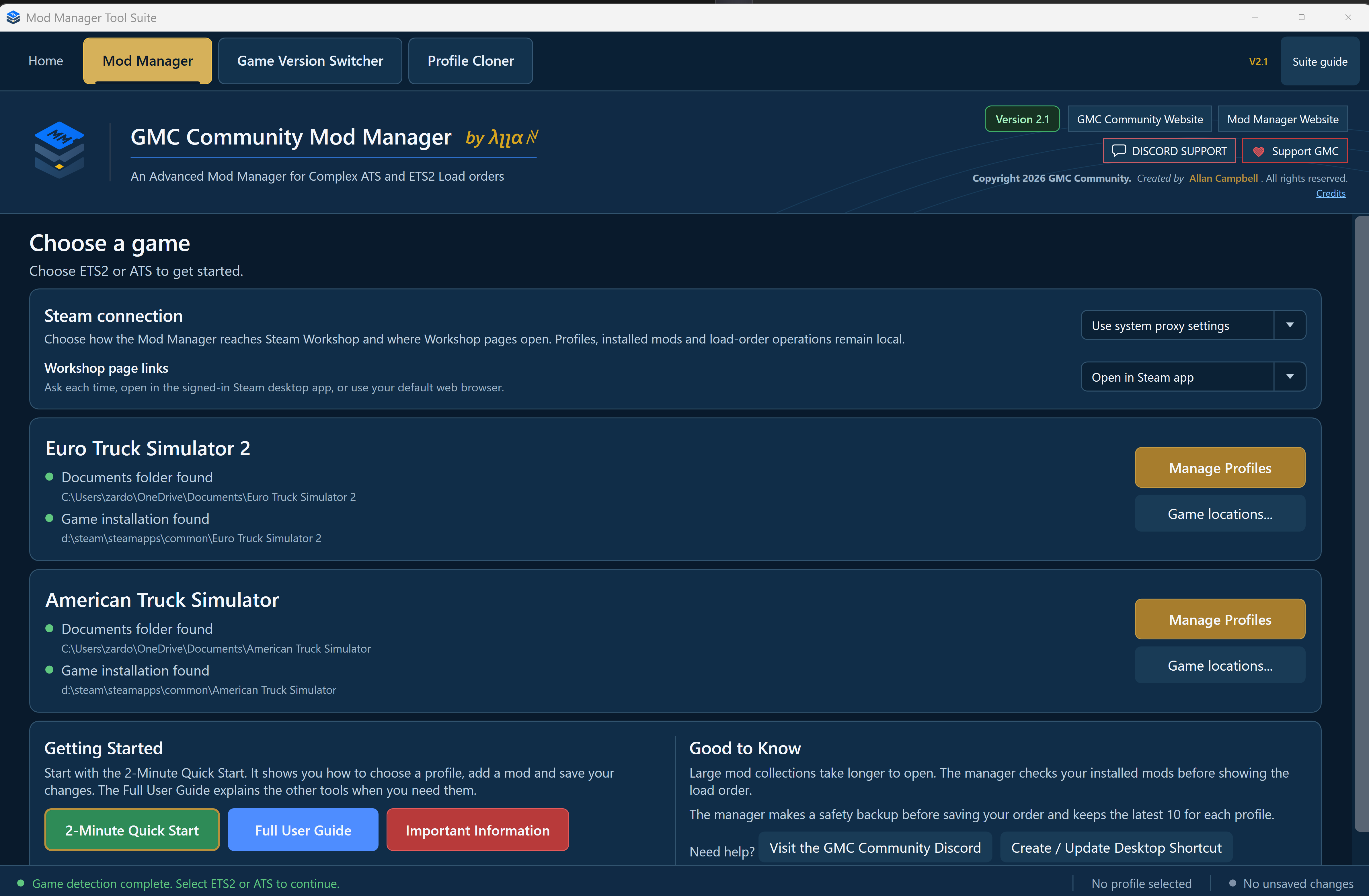
A purpose-built Windows mod manager for complex Euro Truck Simulator 2 and American Truck Simulator load orders.

ETS2 + ATS
One application
Local + Steam Cloud
Profile support
Workshop + Local
Unified catalogue
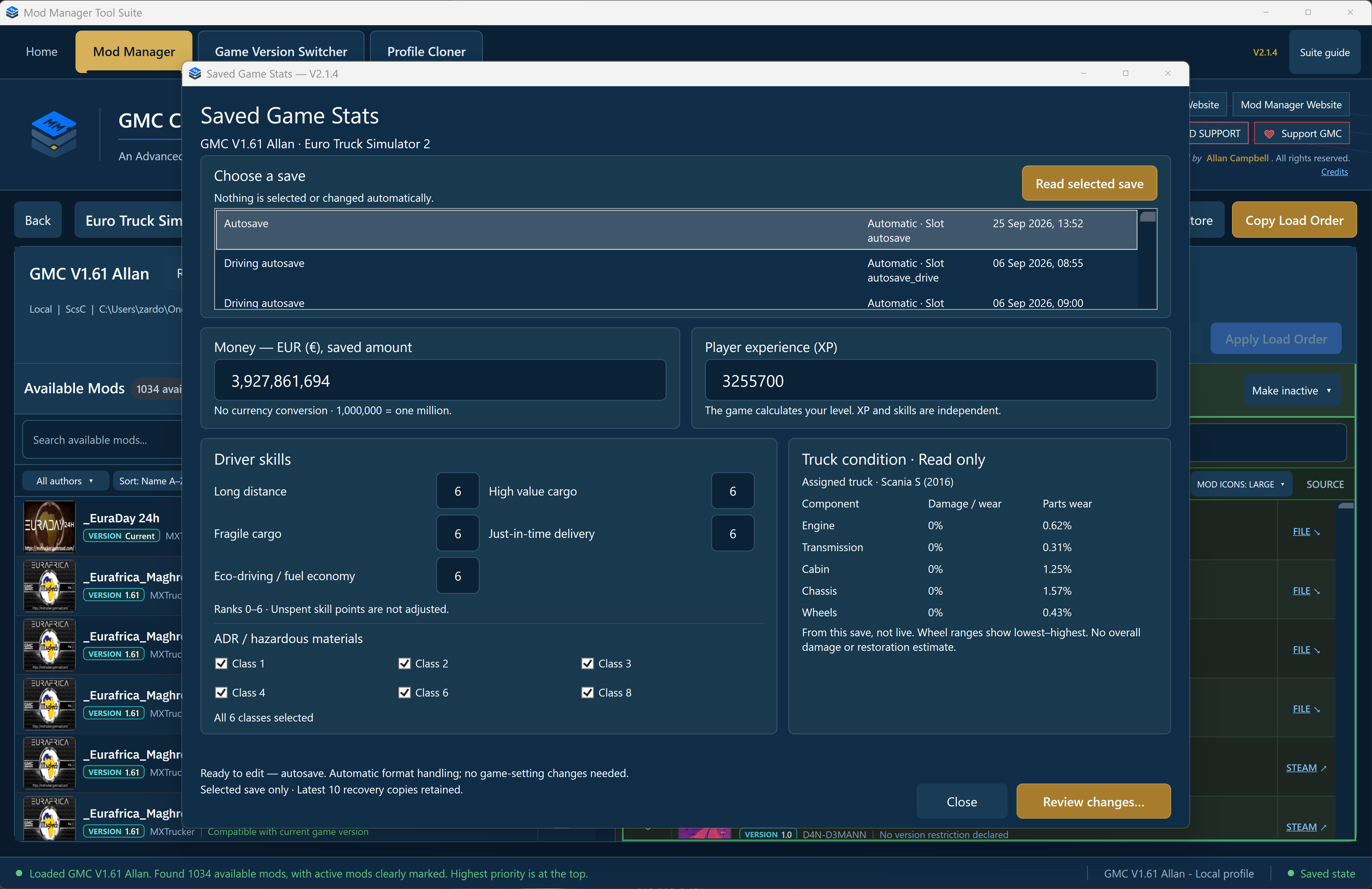
Beta 4 development workspace showing Mod Details and a large load order
Beta 4 development interfaceBuilt for very large collections
Everything in one workspace

See the mod. Understand it. Place it precisely.

Search and filter a complete installed catalogue, inspect author-provided artwork and descriptions, then build the exact active order your profile needs.

01

Rich Mod Details

Artwork, description, author, version, category, compatibility, source and filename information update with your selection.

02

Precise ordering

Activate, deactivate, drag, multi-select and reorder mods with Undo, Redo and clear unsaved-change tracking.

03

Safer profile writes

Every Apply operation creates a backup, writes the profile, reads it back and verifies the requested order.

Mod Details artwork and Local plus Steam match advisory
Know what you installed

Local and Workshop content, clearly identified.

Source links take you to the relevant Steam page or reveal the exact local file in Windows Explorer. Conservative Local + Steam matching helps identify possible cross-source copies without merging them or deciding which version is newer.

Read-only artwork and description loading from supported packages.
FILE links reveal and select local archives or unpacked folders.
Dedicated Possible Local + Steam match status filter.
Copy Load Order window
Copy Load Order

Move the order, never the mod files.

Copy the active order from one compatible profile to another. Installed packages remain exactly where they are.

Backup → Write → Read Back → Verify
Recovery-minded by design

Missing active mods are not silently discarded.

Unavailable local or Workshop references remain visible for recovery, and Workshop identity stays tied to its numeric ID.

PRESERVE → REPORT → RECOVER
Help and credits built in

Guidance from first launch to advanced workflows.

Quick Start, Important Information, the full User Guide and project Credits are all available inside the application.

2-Minute Quick Start
Credits window naming the project creator and beta testers

Release Candidate 1 is ready for final testing.

The official public build is distributed only through the GMC Community Discord.